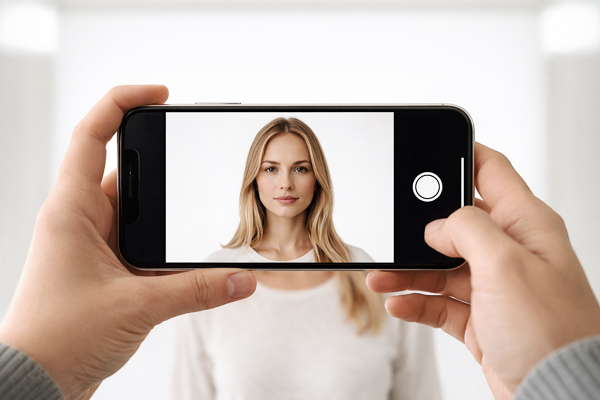
Can I Use My iPhone to Take a Passport Photo?
Can I Use My iPhone to Take a Passport Photo?
Yes, you can.
You might be a little surprised to hear a professional photographer say that so openly, but it is true. You can use an iPhone, you can use most smartphones, and you can even use a “real” camera at home if you want to make your own passport photo.
Modern phones are extraordinarily capable. The quality of the cameras people carry in their pockets today is remarkable when compared with what was used years ago. Passport photos were once made on film, and in most cases with instant film or Polaroid type systems that, by today’s standards, were extremely limited. Resolution was lower, sharpness was lower, exposure was decided by how long you let the instant film develop after you set a timer, and consistency was certainly not what we now expect from even an everyday mobile phone. Today, people are capturing beautifully detailed portraits, crisp video and highly polished selfies with devices they barely think twice about.
So no, the problem is not that your iPhone is somehow not good enough. It is more than capable.
How To Take A Passport Photo With Your Phone
The first thing to understand is that you cannot simply take a selfie. There are a few issues you need to be aware of, and a couple of simple ways to overcome them. Ideally, have someone else take the photo for you, or place the phone on a stand about three metres away to achieve a more natural perspective without distortion. From there, you can use the phone’s resolution to crop into the passport format, giving you a result closer to the perspective of a short telephoto lens. If you have a more advanced phone with a telephoto lens, this is exactly the time to use it.
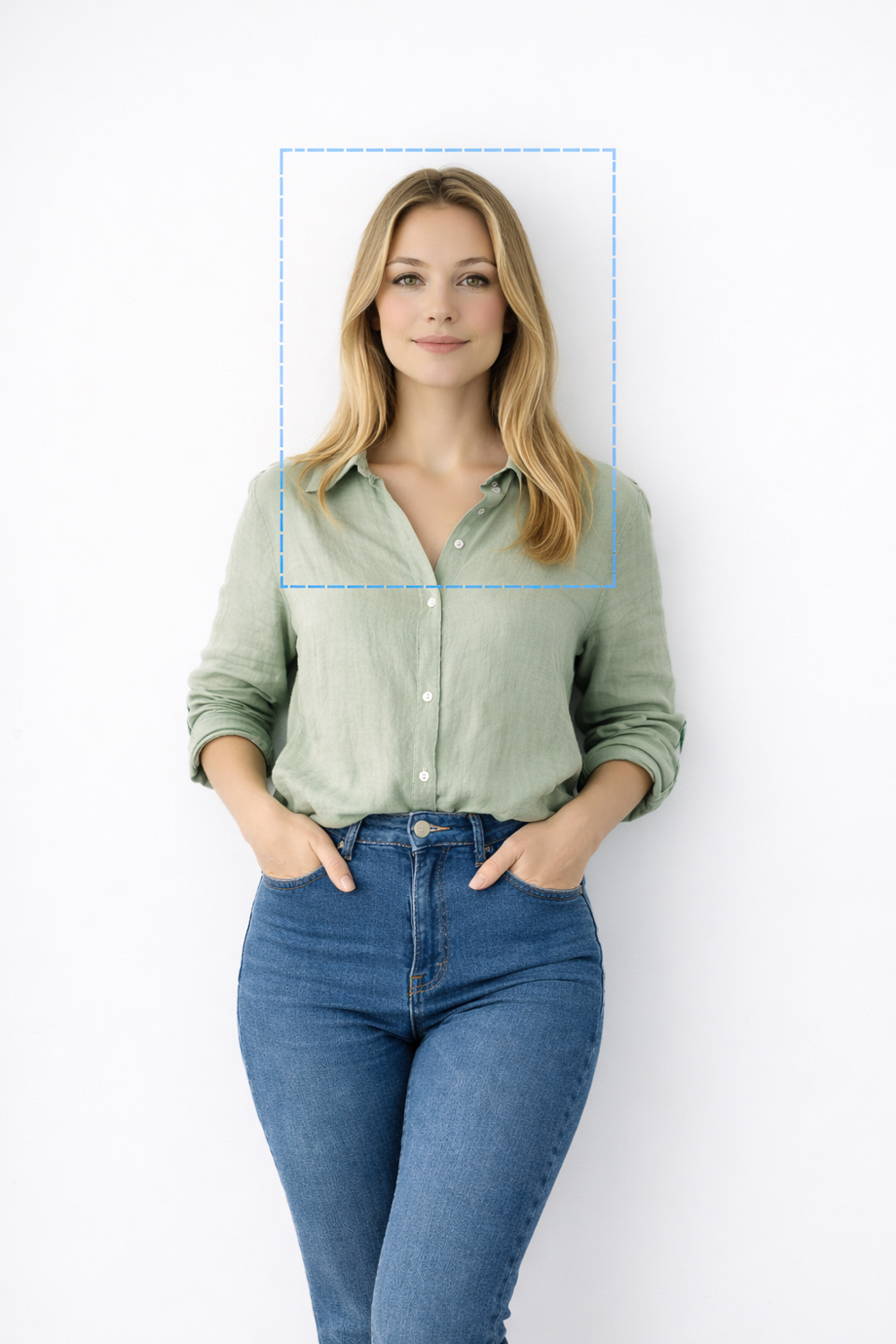
The Real Challenge In Passport Photography
Where things begin to fall apart is not with the camera, but with everything around it. The light.
The real challenge in passport photography has always been lighting. This is the part most people underestimate. A passport photo is not meant to be dramatic, creative or atmospheric. It just needs to be plain, even, technically clean and compliant. That sounds simple until you try to do it properly. A photo taken at home can be very sharp and still be unusable because the light is uneven across the face, because there is a shadow behind the head, because the background is not clean enough, or because the overall contrast is too harsh. These are not camera problems. They are lighting problems.
This is why so many home passport photos fail, even when they are taken on excellent devices. The phone has done its job. The sensor is fine. The lens is fine too, and the file is usually large enough to crop. But if the light is wrong, none of that really matters. As photographers know, and as most people only discover once they try it for themselves, lighting is what shapes the face, defines skin tones, controls the background, and ultimately determines whether the image looks acceptable and meets the required standard.
Passport Photo Compliance
There is also the question of compliance, and that is where things become a little trickier. Passport and visa photographs are not simply portraits cropped small. They are measured, structured identification images with rules around head size, eye position, background, expression and output. A photo can look perfectly fine to the average person and still be wrong in a way that matters to an issuing authority. That is why so many people get caught out. They assume that because the image looks clear and flattering enough, it will pass. Sometimes it does. Sometimes it does not.
Australian passports today still require a photograph, and printing is another step people tend to overlook. Even if you manage to take a usable image at home, you still need to have it output correctly. That means the right size, the right proportions and decent print quality. These days, the Australian Passport Office specifically requires dye sublimation prints, a technology that is certainly not the highest standard when it comes to resolution or quality, but one that absolutely has its place in passport photographs because it is sealed and instantly dry.
In theory, you can take the file to a print lab if you can still find one, or send it away somewhere, but I would be cautious about handing over passport images to random online services, especially now that there are so many AI-driven tools, automated upload websites and, frankly, questionable operators online. Governments and embassies are generally quite clear that people should be careful when using third-party services for identity-related documents, and I think this is sensible advice.
For clarity, our service is designed as a complete capture and preparation process. We do not offer printing for passport photos produced elsewhere, because once an image has been made outside our studio, there are too many variables beyond our control to guarantee the result with confidence.
DIY Passport Photos Are Possible
None of this is to say you should not try it yourself. You absolutely can. If you are patient, if you have a plain background, if you can control the light properly, and if you understand the size and output requirements, it is possible to make your own passport photo at home with a phone. That is the honest answer. But it is also fair to say that it takes more effort than most people expect, and a bit more lighting technique as well.
A simple home setup usually means standing in front of a plain white or light neutral wall, keeping a little distance between yourself and the background so shadows are reduced, placing the camera within about 15 degrees of eye level, and trying to light both sides of the face evenly. Even then, results can vary. Overhead room lights are rarely flattering or compliant. Window light can be beautiful for portraits, but for passport photography it can be inconsistent and directional. One side of the face may be brighter than the other. The background may not stay evenly lit. Tiny issues that seem irrelevant in an ordinary photo suddenly matter much more when the image is being used for official identification.
So yes, you can use your iPhone to take a passport photo. You can use a DSLR too. You can do it yourself at home. But the real question is not whether the camera is capable. The real question is whether you can control the light, prepare the image properly, and produce a result that is both compliant and worth using for the next ten years.
Professional Help Is Available
If you would rather avoid the guesswork, come and see us. At Gold Coast Passport Photography, we use professional studio lighting, calibrated equipment and careful preparation to official requirements, so the process is simple and the result is right first time.